
Whatsapp
video calling
Our video guide and printables.
Back to Connected Living
Facebook
Twitter
Youtube
Video calling
Learn how to video call using alternative apps.
Zoom
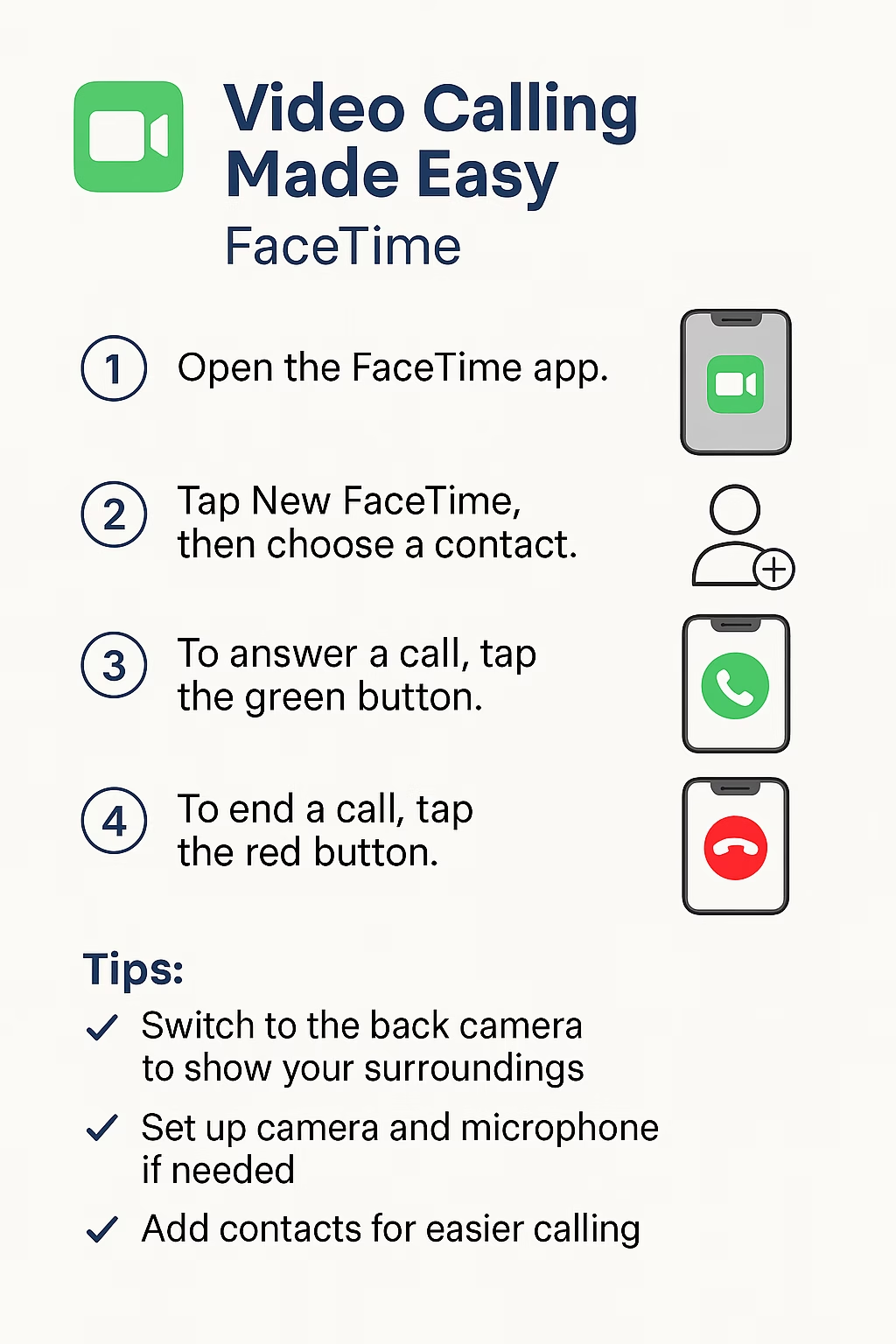
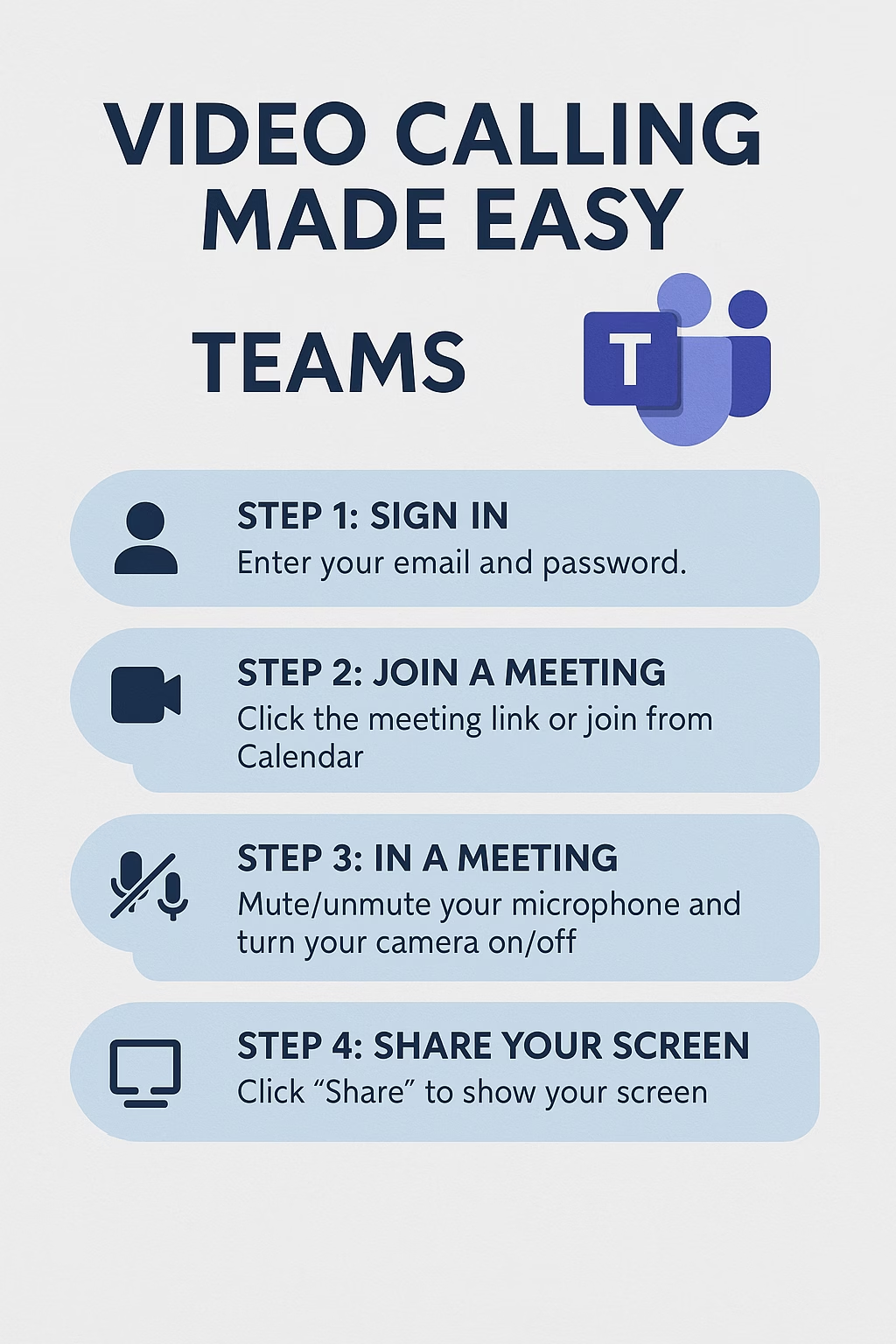
TEAMS
Facetime
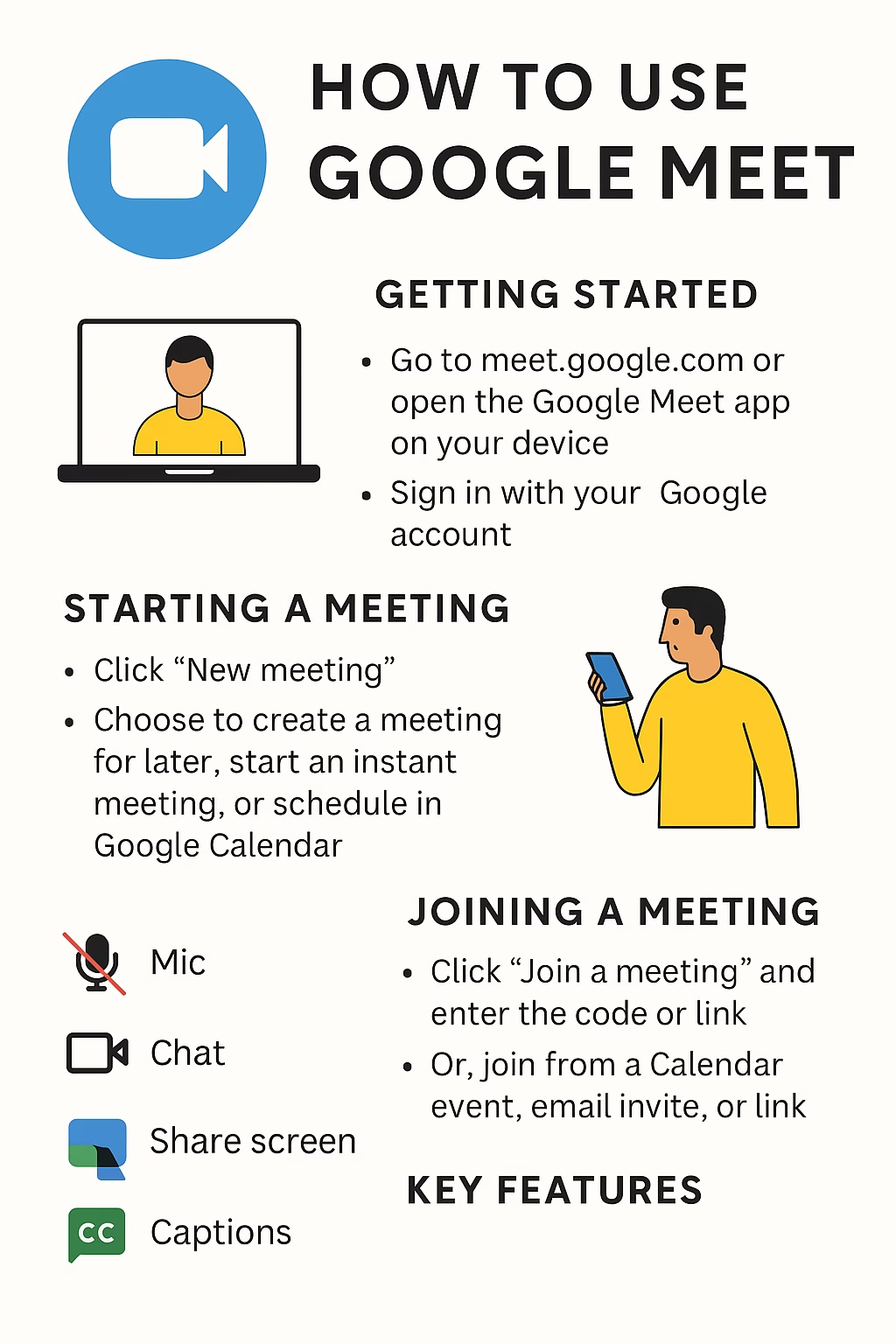
google meet
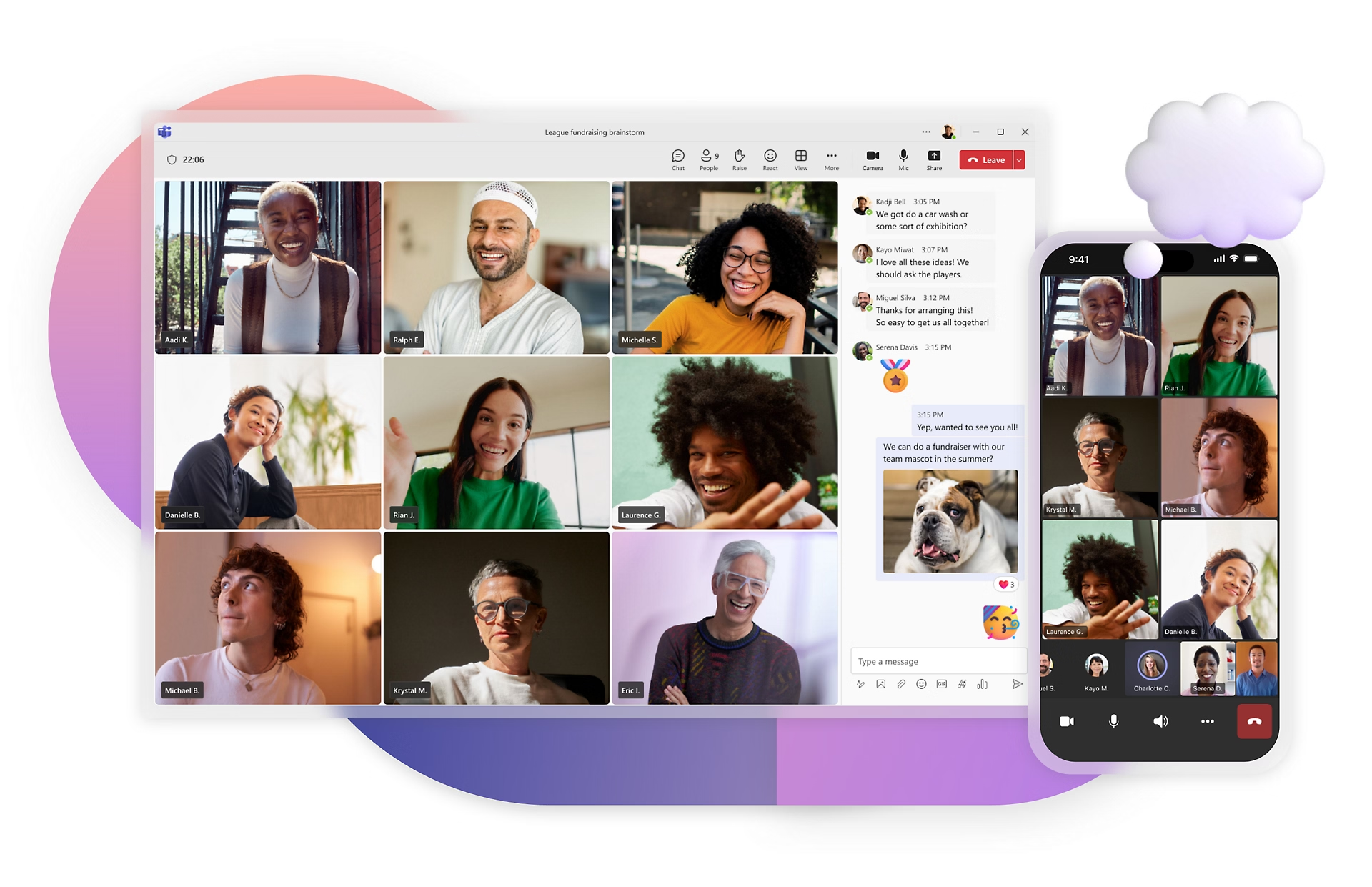
How to use Microsoft Teams

October 6, 2025
| By Jess Dando
Across Generations: Rebuilding Family Ties via Tech in Rural Communities
Rural places often face challenges of distance, sparse population, and limited transport — which can strain family ties, especially across generations. But technology is offering new pathways to rebuild…

October 6, 2025
| By Jess Dando
Digital Bridges: How Older Adults Are Reweaving Social Ties Through Technology
In an era when “staying connected” often means a video call or message ping, technology has become not just a convenience, but a vital means of preserving social bonds…
STAYING CONNECTED
The internet is a fantastic resource to learn more about how to navigate the internet for connection, learning and entertainment. Check out links, videos and more to continue your journey.

frequently
asked questions
Do I need an account to join a video call?
-
On Zoom, yes – for hosting, but not always for joining (you can use a meeting link).
-
On Google Meet, you’ll need a Google account to host but can usually join with a link.
A smartphone, tablet, or computer with a camera and microphone. A stable internet connection is also important.
How do I make sure people can hear and see me?
Check that your microphone and camera are turned on in the app. Look for the mute/unmute and video buttons during the call.
Yes. Google Meet offers live captions, and Zoom has settings for captions if enabled by the host.
-
Zoom: Free for meetings up to 40 minutes with 3+ people. One-to-one calls are usually unlimited.
-
Google Meet: Free for most calls up to 60 minutes.
How do I stay safe on video calls?
Only join calls from people you trust. Don’t share meeting links publicly. Use the “waiting room” feature on Zoom or check participants before starting.
What if my connection is poor?
Turn off your camera and just use audio – this often improves quality. Try to sit closer to your Wi-Fi router.
Can I share my screen to show something?
Yes. Both Zoom, Teams and Google Meet have a “Share Screen” option – helpful for showing documents, websites, or photos.